B140ZAN01.4 Replacement LCD Screen | 14.0-inch 3840 × 2160
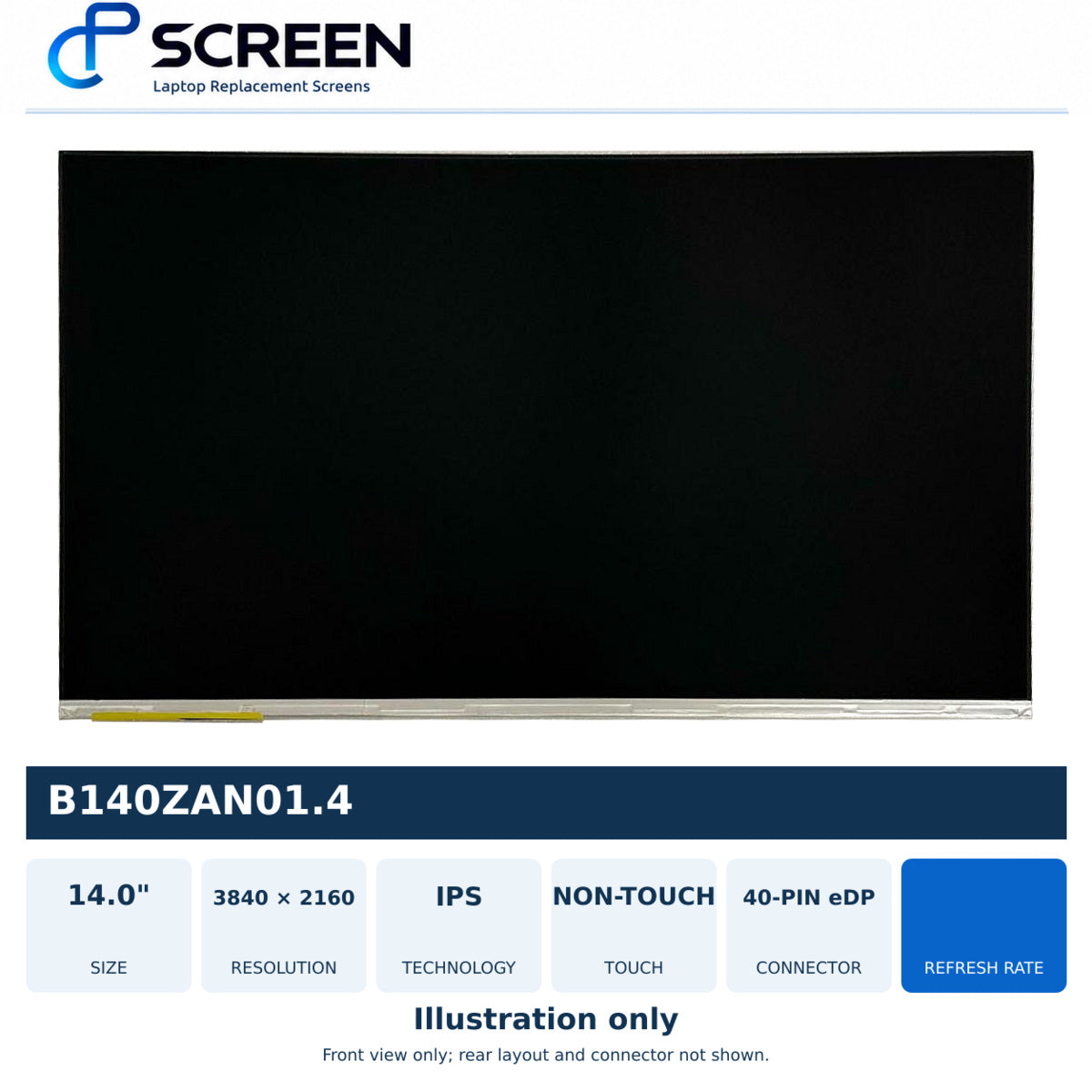
Technical Specifications
| Replacement reference model | B140ZAN01.4 |
|---|---|
| Screen size | 14.0" |
| Resolution | 3840 × 2160 |
| Display technology | IPS LCD |
| Touch / non-touch | Non-touch |
| Connector | 40-pin eDP (Reverse UPPA) |
| Connector type | eDP |
| Connector pins | 40 |
| Connector position | Bottom Right (supplier view unspecified) |
| Backlight | LED |
| Backlight lamp | DIODE |
| Frame | Micro Edge / Edgeless |
| Surface finish | Matte/ Glossy |
| Condition | New |
| SKU | SCR22B42X/ SCR22B5AG |
Only supplied specifications are shown. Missing details must be checked before ordering.
Understanding the specifications
Resolution, refresh rate and touch: match the original configuration. A listed alternative is not automatically an upgrade.
Connector and mounting: compare pin count, width, pitch, position, cable layout and brackets. A similar-looking connector does not confirm compatibility.
Matte and Glossy: Matte reduces visible reflections; Glossy has a reflective finish. Choose an available finish for the correct configuration.
Compatibility & Buying Notes
Before you choose your screen
Replacement non-touch LCD screen for B140ZAN01.4.
Choose Matte or Glossy.
Check Compatible Models
A matching laptop model is a starting point. Confirm that the selected screen also matches your original display configuration.
Before You Install
Test the screen before final fitting. If the display doesn’t look right, stop and contact us before continuing.
Installation precautions
- Shut down the laptop, unplug the charger and follow the manufacturer’s battery-disconnection procedure.
- Compare the replacement panel with the original before fitting. Never force a connector.
- Handle the panel carefully and avoid pressure on its surface.
- Keep protective film and identification labels in place during initial testing where they do not obstruct safe testing.
- If the display does not work as expected, stop. Disconnect power before checking connections and contact us for help.
- Keep the original packaging. Use a qualified technician if you are unfamiliar with screen replacement.
Customer Reviews
No reviews yet
How did your screen swap go? Share your experience with other buyers.
Recently viewed
Screens you view will appear here.
Browse Laptop Screens